How do I login to the MyUnite app?
If you booked your room on our website or over the phone you will have provided an email address and set up a password. Use those same credentials to login to the app.
If you booked your room through your university you will be able to set up a password within the app by following the link called “Need a new password?”. Follow those steps to create a new password. The email address should be the one you provided at check in or the one allocated to you by your university.
How do I reset my password?
You can get a new password by following the link on the login screen of the MyUnite app.
Will the app work on my phone, tablet or other device?
The MyUnite app supports Apple iOS devices with iOS version 8 onwards and Android devices with JellyBean or later installed.
How do I login to the Unite Students Laundry app?
The Unite Students Laundry app uses a separate login to MyUnite. You can register a new login when you first launch the app. There’s a link in the MyUnite app that will take you straight to the Unite Students Laundry app in the store for your phone.
The MyUnite app says I'm a little early. What does this mean?
In order to use the features of the MyUnite app you need to be checked in to your room. If you can see a screen saying you're a little early it means our system doesn't think you're checked in.
If you are checked in but are still seeing this screen the team on reception at your property will be able to amend this for you.
How do I raise a maintenance request?
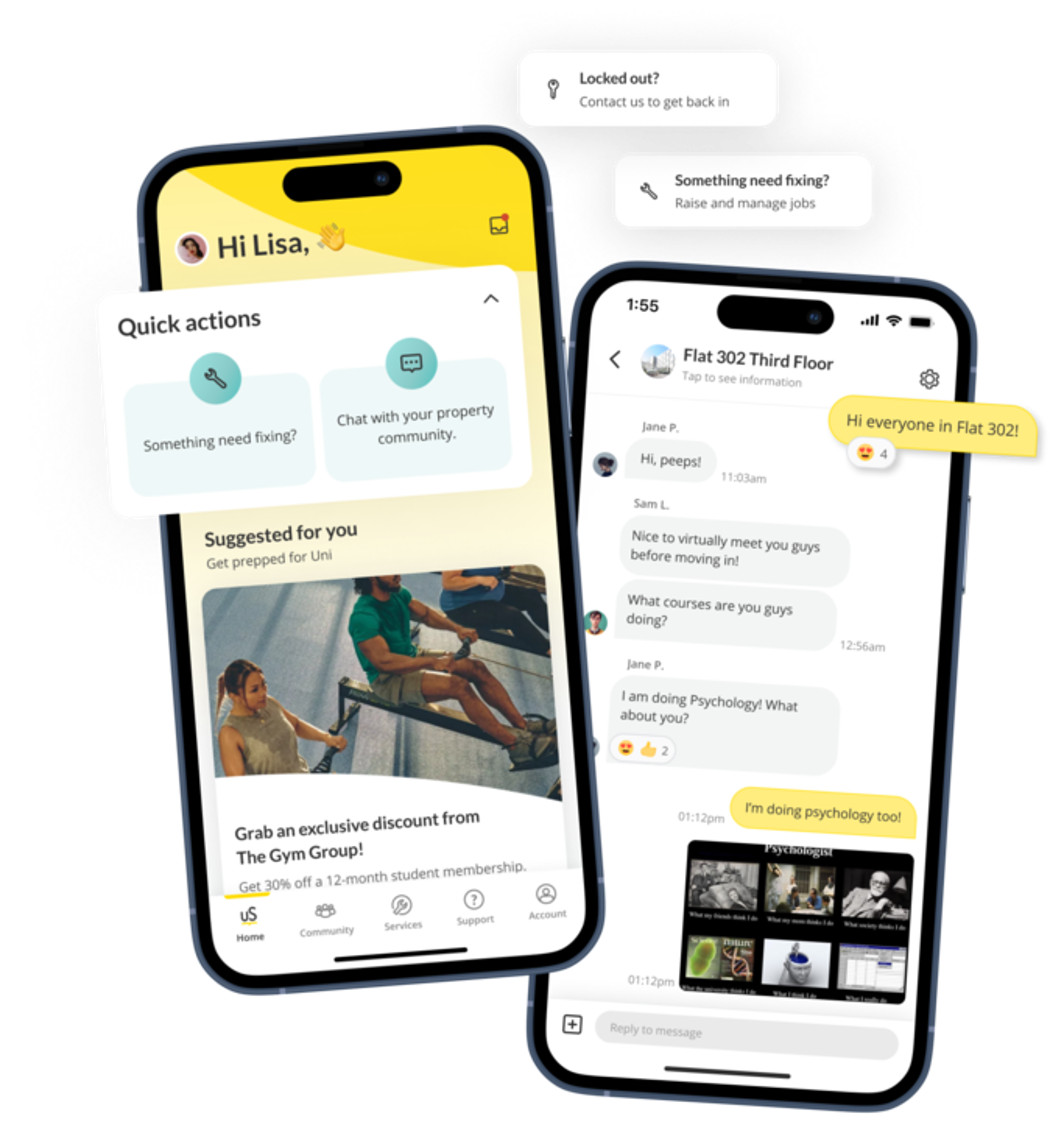
Once you're logged in on the MyUnite app click on the maintenance icon. From there you can let us know where the problem is and what has gone wrong. You can add some pictures too if that helps describe the issue. We'll keep you updated with progress on the issue.
If the MyUnite app isn't allowing you to submit a request and you've entered a location, type of problem and description please contact
MobileAppSupport@unitestudents.com.
When do I receive parcel notifications?
The MyUnite app will inform you if reception is holding a parcel for you. Any post that fits into your personal mail box is not logged via the app and you won't receive notifications for that – just check your mail box as normal!
How do I receive notifications from the MyUnite app?
When you first use the MyUnite app it is set to send you notifications. Sometimes there can be a delay of up to 30 minutes for a notification to come through if our systems are particularly busy.
If you aren't receiving notifications at all check under Settings (the cog) within the MyUnite app to ensure that all types of notifications from the app are enabled.
What do you do with my data?
Any data you enter into the MyUnite app is only used to log you in and to take care of the maintenance issues you’ve raised. The data is used within our systems but we don't use the data you provide via the app for any other purpose.
We do track usage of the app both anonymously for trends and user logins to ensure our students are getting the most out of the app and to inform future developments.